Preview module on App Store
Browser’s dev tools allows to preview Module in App Store before actual uploading.
- open https://www.odoo.com/apps
- click Inspect Element on some application
- change text and images
- Done! Now can decide do you need make changes or keep current images and text
Preview image
While it’s easy to change text, it’s not obvious how to preview image.
Base64
google: convert image to base64
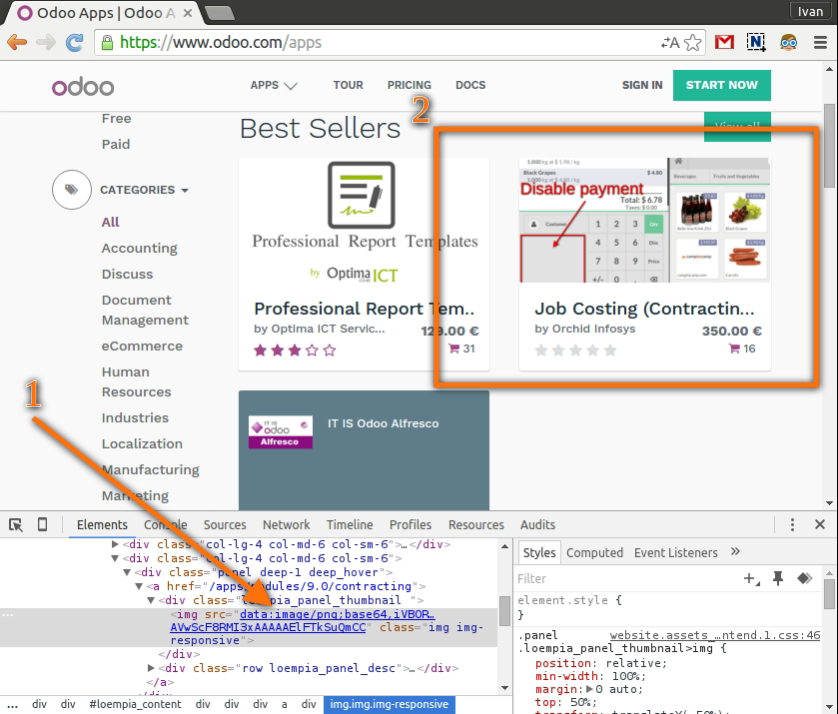
convert image to base64 with a tool you choosed. It must be some long string started with
data:image/:data:image/png;base64,iVBORw0KGgoAAAAcF8RMI3xAAA......AAElFTkSuQmCC
paste this line to src attribute of image tag
BEFORE
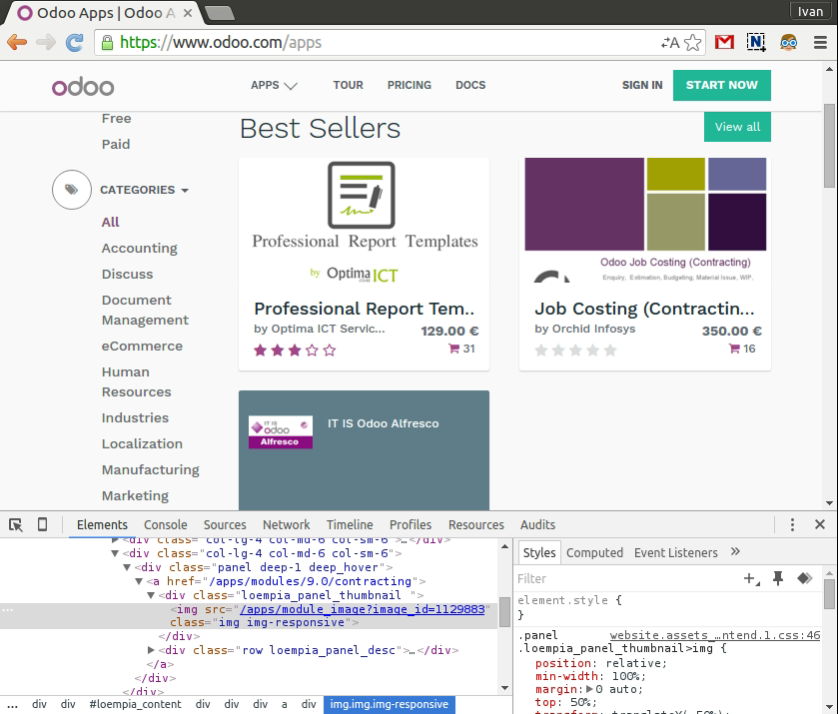
AFTER
Nginx
Configure your nginx and use local link in src attribute.:
<img src="static.local/path/to/image.png"/>
You cannot use localhost due to security restrictions. So, you need to add some domain to /etc/hosts::
127.0.0.1 static.local
TODO instruction for nginx