Module releasing checklist
This articles cover documentation and description part only.
Module Name
Module Name MUST be non-technical.
Examples of technical names:
- web_debranding
- Web Debranding
Example of non-technical names:
- Backend Debranding
Module Name MUST be the same at manifest file, README.rst, doc/index.rst
Summary
- Review
"summary"attribute at manifest file and first paragraph at README.rst. They MUST be presented, but MAY be different.
Price
- Review
"price"attribute at manifest file
Category
- Review
"category"attribute at manifest file
doc/index.rst
- Review content and formatting of doc/index.rst file
README.rst
- Review content and formatting of README.rst file
static/description/index.html
- Prepare HTML Description
- Check image sizes
Main image
- Prepare image and specify it at
"images"attribute at manifest file - Preview image at app store
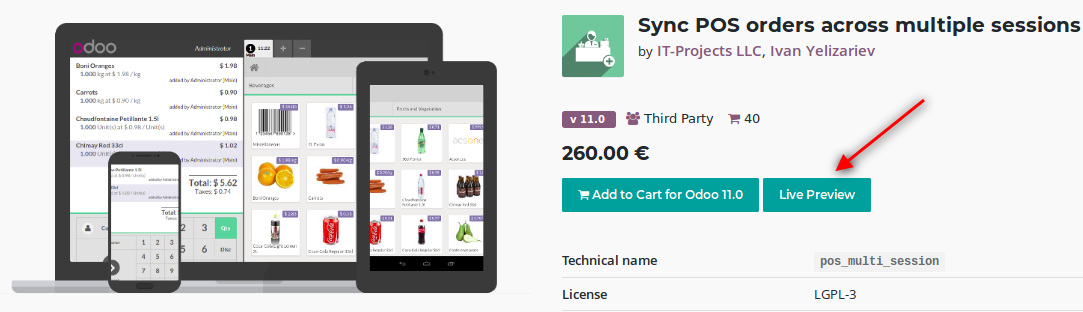
Live Preview
Review
"live_test_url"attribute at manifest fileFor example:
"live_test_url": "http://apps.it-projects.info/shop/product/pos-multi-session?version=11.0",
Live Previewbutton will appear at Odoo Apps Store after releasing the updates